
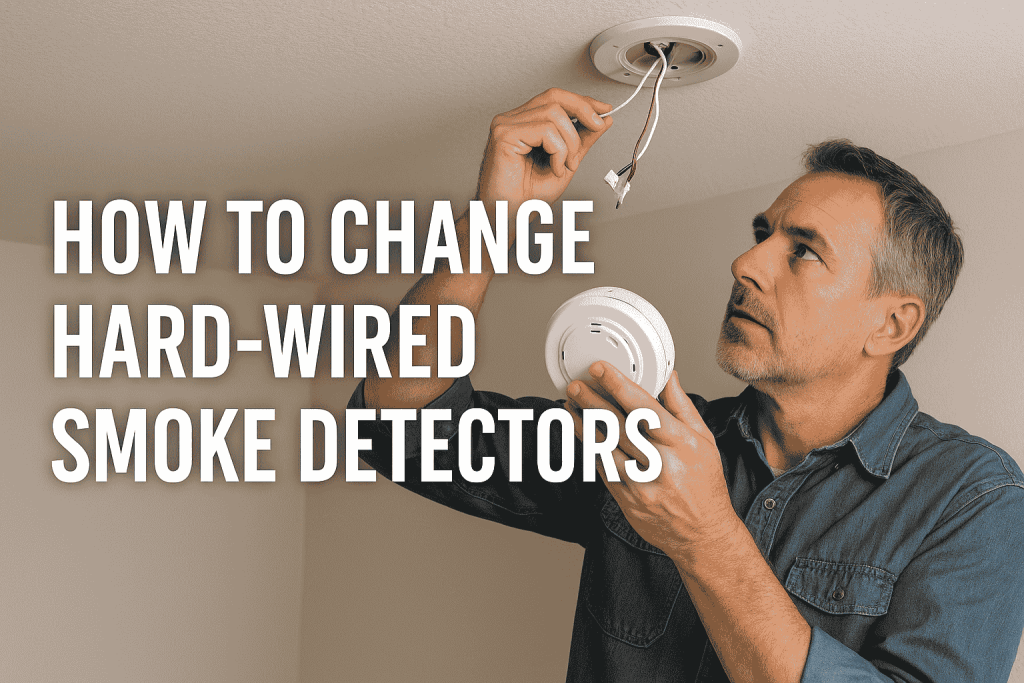
How to Change Hard-Wired Smoke Detectors Without Losing Interconnect Protection
NFPA found that nearly three out of five (59 percent) home fire deaths from 2018 to 2022 happened in homes with no smoke alarms (43 percent) or with alarms that failed to operate (16 percent) (NFPA, Smoke Alarms in US Home Fires). NFPA found that missing or non-working power sources, such as dead or missing batteries and disconnected hardwired alarms, were the most common reasons alarms failed to operate. Age is the other issue: smoke sensors lose sensitivity over time (Kidde, when to replace alarms), and the U.S. Fire Administration says to get new smoke alarms every 10 years (USFA, Smoke Alarms). For hard-wired units – the type connected directly to household current – replacement requires slightly more than swapping out a 9-volt battery.
Why Hard-Wired Smoke Detectors Fail Even When They Seem Fine
Hard-wired alarms run on household power with a battery backup. NFPA found that hardwired alarms operated in 94 percent of fires large enough to trigger an alarm, compared with 85 percent for battery-only alarms (NFPA, Smoke Alarms in US Home Fires). Age still matters: Kidde says smoke sensors lose sensitivity over time, so a unit may respond more slowly, or not at all, even when the test button works (Kidde, when to replace alarms). The U.S. Fire Administration says ionization alarms respond best to fast-burning fires and photoelectric alarms to smoldering fires, and recommends having both types or dual-sensor alarms (USFA, Smoke Alarms).
Interconnected alarms are meant to work together: when one sounds, they all sound (USFA, Smoke Alarms). That only works if every unit uses the same interconnect signal, which is why matching matters when you replace one.
What the Interconnect Wire Does and Why Brand Matching Matters
Hard-wired smoke detectors typically connect with three wires: black (hot), white (neutral), and one for interconnect. The interconnect wire is red on Kidde’s harness and orange on BRK/First Alert alarms, so check the wiring diagram for your model (Kidde user guide, BRK installation instructions). When one alarm sounds, the interconnect wire tells the others on the circuit to sound too.
Kidde says its alarms interconnect with its own models and with specific Firex and First Alert/BRK models, and that connecting to a non-specified manufacturer’s system could cause nuisance alarms, failure to alarm, or damage to the devices (Kidde, interconnectivity). Kidde also notes that a mixed-brand system has not been tested as a complete installation and may not meet NFPA 72 or local code requirements (Kidde, connecting to other brands).
The practical rule: replace all detectors in an interconnected system with the same brand and series, or at minimum verify compatibility with the new manufacturer’s documentation before purchasing. If detectors in a home are of mixed age and unknown brands, replacing them all simultaneously with a matched set is the correct approach, not the expensive one.
Step-by-Step: Replacing a Hard-Wired Smoke Detector
- Identify the circuit. Find the breaker that feeds the detector. Panel labels are often missing or wrong, so use a non-contact tester at the detector to confirm that the circuit is dead after you switch the breaker off.
- Turn off the breaker. Do not rely solely on the battery disconnect. The detector receives 120V AC even with the battery removed. After switching the breaker off, confirm with a tester that the wires are dead.
- Twist off the detector body. Most units mount to a wiring bracket that stays in the ceiling. Turn the detector counterclockwise until it detaches from the bracket.
- Disconnect the wiring harness. Hard-wired detectors use a plug-in connector – press the tab and pull. Note which wire goes to which terminal before disconnecting: black to hot, white to neutral, orange/red to interconnect.
- Mount the new bracket. New detector brackets may not align with existing ceiling holes. Use the new bracket’s template and appropriate anchors for drywall or wood joist.
- Connect the new harness. Plug the new connector onto the wiring or use wire nuts if the new unit has no plug (match black-to-black, white-to-white, and interconnect wire to interconnect wire). Kidde’s guide says connections should be made by a qualified electrician, so if you are not sure, stop and call one.
- Restore power and test. Turn the breaker back on, then press and hold the test button until the alarm sounds (BRK’s instructions say to hold it until the unit alarms; follow the instructions for your model). Every interconnected detector in the home should sound.
If any detector in the chain does not respond to the test, the interconnect wire may be broken, a wire nut may have backed off, or the new unit is incompatible with the existing system. Brea Electric’s residential wiring services include smoke detector circuit inspection and replacement – particularly useful in older Orange County homes where original smoke wiring runs behind multiple layers of renovation and the interconnect path is no longer traceable.
How often should hard-wired smoke detectors be replaced?
The U.S. Fire Administration says to get new smoke alarms every 10 years, and the manufacture date is on the back of the unit (USFA, Smoke Alarms). This applies to hard-wired alarms as well as battery-only units, because smoke sensors lose sensitivity over time regardless of power source (Kidde, when to replace alarms).
Can I replace a hard-wired smoke detector with a different brand?
Only if the manufacturer lists the models as compatible. Kidde, for example, warns that connecting its alarms to a non-specified manufacturer’s system could cause nuisance alarms, failure to alarm, or damage. Replace all units in the system with the same brand, or confirm compatibility in the new manufacturer’s documentation.
What is the orange wire on a hard-wired smoke detector?
On BRK/First Alert alarms the orange wire is the interconnect wire, and Kidde’s harness uses red. It carries the signal that tells the other interconnected alarms to sound when any one unit detects smoke. On a single-station alarm, leave the wire capped and do not connect it to anything.
Do I need to turn off the circuit breaker to change a smoke detector?
Yes. Hard-wired smoke detectors receive 120V AC power continuously. Removing the battery does not disconnect the AC supply. Always turn off the designated circuit breaker and verify the power is off with a non-contact voltage tester before disconnecting any wiring.
My smoke detector keeps chirping after I replaced the battery – what’s wrong?
A chirp can mean a low or poorly seated backup battery, a sensor fault, or that the unit has reached the end of its life. Many newer hard-wired alarms have a sealed battery that cannot be replaced, so the whole unit is replaced when the battery or unit life runs out. Check the troubleshooting chart in your alarm’s manual, because chirp patterns differ by model. If the alarm is more than 10 years old, replace it.
Key Takeaways
- Hard-wired smoke detectors should be replaced 10 years after the manufacture date – sensors lose sensitivity with age regardless of battery or power status.
- The interconnect (orange or red, depending on brand) wire enables whole-house simultaneous alarming; use models the manufacturer lists as compatible to keep this working.
- Always shut off the circuit breaker before touching a hard-wired detector – the 120V AC supply is live even with the battery removed, so confirm it is dead with a tester.
- After replacement, test every detector in the interconnected system by holding the TEST button – all units should alarm together.
- When detectors are of mixed age, unknown brand, or the interconnect trace is uncertain, replacing the full system simultaneously with a matched set is the correct approach.
References
- NFPA, Smoke Alarms in US Home Fires (McGree, June 2024), https://content.nfpa.org/-/media/Project/Storefront/Catalog/Files/Research/NFPA-Research/Detection-and-signaling/ossmokealarms.pdf?rev=40db028bf7d544fbbba4f403928dcc47
- U.S. Fire Administration, Smoke Alarms, https://www.usfa.fema.gov/prevention/home-fires/prepare-for-fire/smoke-alarms/
- Kidde, Time to Replace Your Alarms?, https://www.kidde.com/safety-hub/smoke-and-co-detection/time-to-replace-your-alarms
- Kidde, Connecting Kidde Alarms to Other Manufacturers’ Alarms, https://www.kidde.com/support/smoke-alarms/interconnecting-kidde-alarms-with-other-brands
- Kidde, What Other Products Will Kidde Alarms Interconnect With?, https://www.kidde.com/support/smoke-alarms/kidde-interconnectivity
- Kidde, User Guide Model 20SA10 Photoelectric Smoke Alarm with Hardwire Interconnect, https://www.shareddocs.com/hvac/docs/2001/Public/02/Product_UG_20SA10_0124.pdf
- BRK Electronics, How do I install hardwired BRK alarms?, https://www.brkelectronics.com/blogs/installer-corner/how-do-i-install-hardwired-brk-alarms
From the desk of Brea Electric – Orange County’s electrical contractor since 1932. Visit breaelectric.com or call (714) 529-3030.